★★★★★
«Tenemos el mantenimiento IT con ellos. Responden rápido cuando hay algo y no tienes que estar detrás. Se nota que saben lo que hacen. Seguimos con ellos😊»

Acuantis controls and automates drinking water on poultry farms: pH, free chlorine and temperature. Each farm has its own unit, which treats the water. We built the remote layer: a web dashboard and an app for Android and iOS to see every farm in real time and send it commands from afar.
By Ismael Vázquez, founder and technician
Each farm treats its water with a unit of its own. What was missing was a way to see them all and act remotely without taking control away from the unit.
Every farm has its unit, which treats the water. They needed to be seen together, from one place.
Adjusting, calibrating or checking a unit remotely, without having to drive out to the farm.
The unit on the farm treats the water and has the final say. Nothing done remotely may bypass its safety checks.
The same codebase runs the web dashboard and the Android and iOS app. Everything in Spanish.
pH, chlorine, temperature, estimated active chlorine (HOCl) and tank levels, as they happen, with their alarms.
As a grid, a list or on a map. Open a farm and you see the same screen its unit shows: home, manual, settings, history, alarms and information.
From the dashboard you send commands, calibrate, set up the Wi-Fi and export data to the SD card. The unit confirms each command before applying it and can reject it for safety.
Four roles, from administrator to read-only, each with its own permissions.
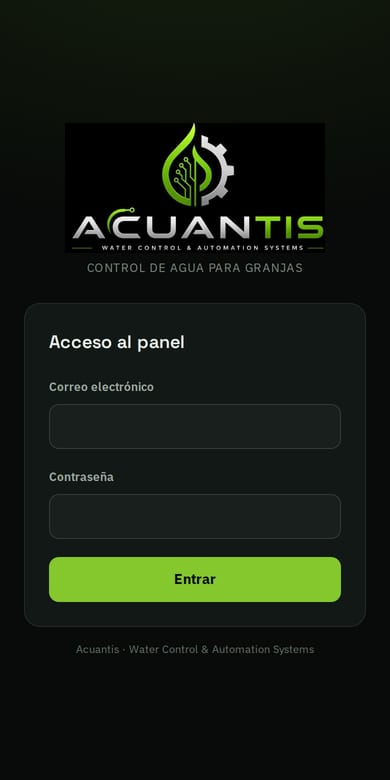
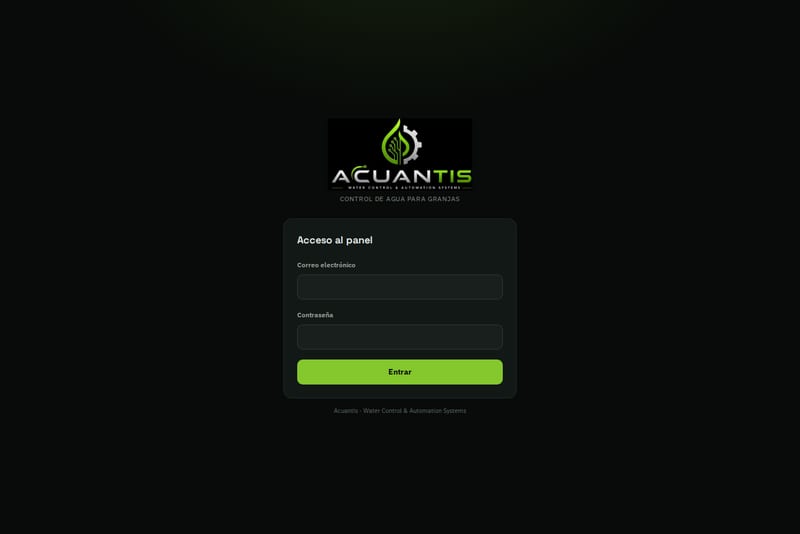
Screenshots from November 2026 of the login screen, on a computer and on a phone. The dashboard is private: we don’t show any farm data.
In the browser and on the phone.
Water treatment stays on the farm. What we built is the way to see it and act on it from afar.
First, the unit stays in charge. Each farm treats its water with its own unit, and the dashboard does not go around it: when someone sends a command remotely, the unit confirms it before applying it and can reject it for safety. So someone far away cannot force a change the unit does not consider safe.
Second, the dashboard looks like the unit. Each farm’s view reproduces the unit’s screen, with the same sections: home, manual, settings, history, alarms and information. Anyone who already knows the unit on the farm finds everything in the same place.
Third, every farm at once. The grid, the list and the map show the status of each one, and you can tell at a glance which ones have an alarm. When needed, you can calibrate, change the Wi-Fi or export the data to the SD card from right there.
And behind it, everyone sees what is theirs. There are four roles, from administrator to read-only, so someone who only needs to look cannot change anything. And since the web and the app share the same codebase, whatever is added reaches both.
Four questions worth asking before you connect a device to the internet.
The device should be able to confirm or reject a command that comes from afar. Otherwise a mistake in the dashboard ends up in the installation.
Data and commands should travel over an encrypted connection, not in the clear.
Different roles for whoever administers, whoever operates and whoever only looks.
If the dashboard reproduces the device’s screen, nobody has to learn two ways of doing the same thing.
No. The unit keeps treating the water and stays in charge on the farm. The dashboard and the app are the remote layer: they show what the unit measures and send it commands, but it is the unit that confirms them before applying them, and it can reject them for safety.
The unit sends it over an encrypted connection to a server. The server stores the readings and pushes them to the dashboard live, so there is no need to reload the page to see the latest value.
Viewing the pH, chlorine, temperature, estimated active chlorine (HOCl) and tank level readings, checking alarms, sending commands, calibrating, setting up the unit’s Wi-Fi and exporting data to its SD card. All from the browser or from the Android and iOS app.
It depends on each user’s role. There are four, from administrator to read-only. With read-only you can look, but not change anything.
It depends on what it has to do. A dashboard and an app connected to your equipment are a bespoke project: we give you a fixed price in writing before we start. If you also need a public website, our web development prices start at €690 excluding VAT.
Our clients write them on Google and we show them here exactly as they are.
«Tenemos el mantenimiento IT con ellos. Responden rápido cuando hay algo y no tienes que estar detrás. Se nota que saben lo que hacen. Seguimos con ellos😊»
«Muy buen trato. Lo que más me gusta es que responden enseguida y sin darte largas. Las cosas salen bien y si hay que ajustar algo lo hacen sin dramas. Se nota que saben lo que hacen. Seguiremos con ellos sin problema.»
«Nos hicieron la web y quedó justo como la queríamos. Explican bien las cosas y no te marean con tecnicismos. Seguimos contando con ellos para el mantenimiento.»
«Me hicieron un ordenador a piezas con un resultado excelente. Estoy muy contenta con el servicio y la comunicación.»
«Gran servicio! Contacté por WhatsApp con ellos y pasando un par de fotos para entender la instalación que requería tenía un presupuesto aproximado y cita para el día siguiente. Trabajo limpio y rápido.»
Tell us what equipment you have and what you want to monitor or control remotely, and we'll propose a solution with a fixed quote. Free quote, no obligation. We take calls in Spanish or Catalan; in English we reply by email or WhatsApp.
644 836 122CALL US OR WHATSAPPFill it in and we'll call you. Simple.